
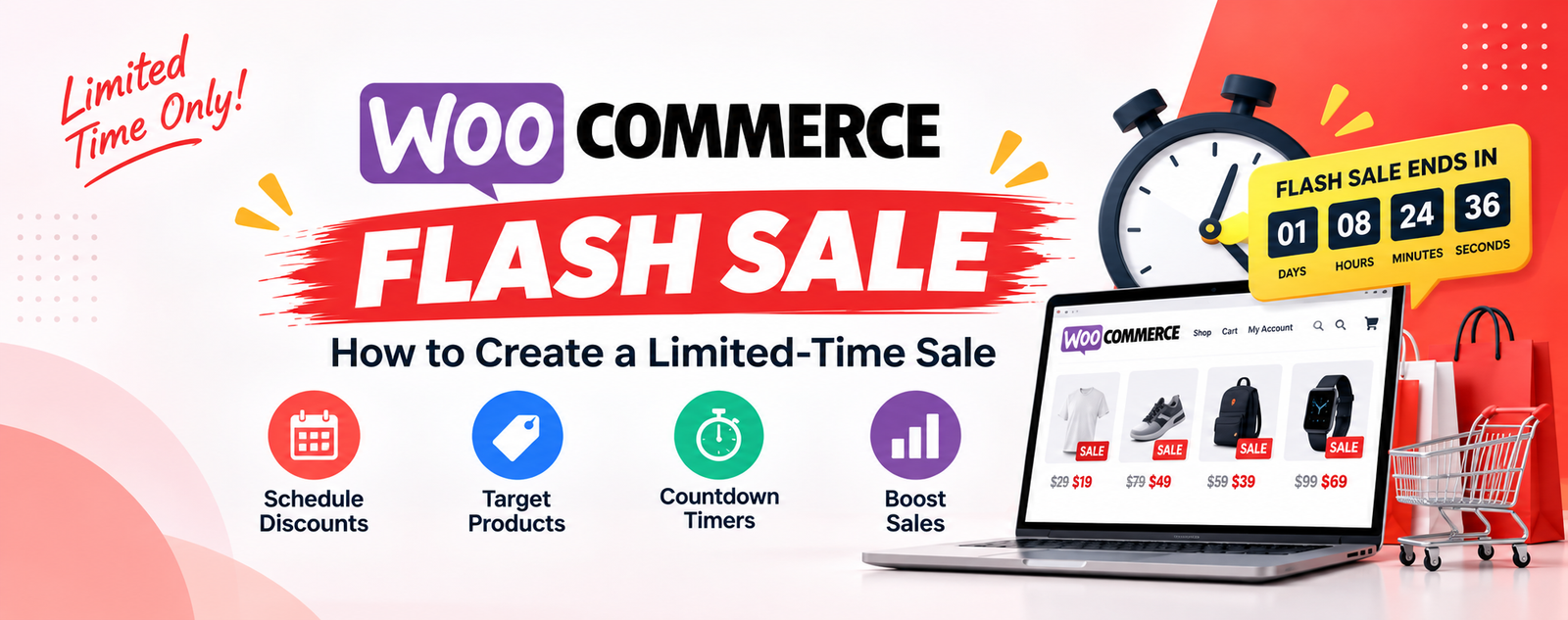
What Is a WooCommerce Flash Sale?
A limited-time sale can be an effective way to create urgency, promote selected products, clear inventory, and encourage customers to complete their purchases.
WooCommerce provides basic ways to reduce product prices, but managing a proper flash sale can become more complicated when you need a specific start time, end time, selected products, promotional pricing, countdown timers, and campaign-based rules.
In this guide, we’ll explain what a WooCommerce Flash Sale is, how it works, when you should use one, and how to create a flash sale campaign for your WooCommerce store.
A WooCommerce Flash Sale is a temporary promotion that gives customers a special price or discount for a limited period.
For example:
Weekend Flash Sale
25% off selected products
Friday 6:00 PM → Sunday 11:59 PM
Unlike a permanent price reduction, a flash sale has a defined promotional period.
The campaign can be designed around:
- Selected products
- Product categories
- A percentage discount
- A fixed promotional price
- A specific start date
- A specific end date
- Promotional badges
- Countdown timers
- Campaign-specific pricing
The goal is to give customers a clear reason to purchase during a specific period.
Why Run a Flash Sale in WooCommerce?
Flash sales can be useful for different types of WooCommerce stores and marketing campaigns.
1. Create a Sense of Urgency
When customers know that an offer will end soon, they have a clear reason to make a purchasing decision.
For example:
Flash Sale — 30% Off
Ends Sunday at 11:59 PM
A limited campaign period makes the offer different from an ordinary permanent discount.
2. Promote Selected Products
You don’t always want to discount your entire store.
For example, you may want to promote:
20% off selected shoes
while keeping shirts, accessories, and other products at their normal prices.
A targeted campaign lets you focus the promotion on the products you actually want to promote.
3. Clear Slow-Moving Inventory
A flash sale can also be used to promote products that are not selling as quickly as expected.
For example:
48-Hour Clearance Sale
Up to 40% off selected products
This can be useful for:
- Older products
- Seasonal products
- Excess inventory
- Products being replaced
- End-of-season collections
Always check your product costs and profit margins before creating a large discount.
4. Support Seasonal Campaigns
Flash sales can work well for seasonal marketing campaigns such as:
- Black Friday
- Cyber Monday
- Christmas
- New Year
- Valentine’s Day
- Summer sales
- Winter sales
- Anniversary sales
- Weekend promotions
You can prepare the campaign in advance and define exactly when it should become active.
Flash Sale vs Regular WooCommerce Discount
A regular discount and a flash sale can look similar to customers, but they serve different purposes.
Regular Discount
For example:
20% Off T-Shirts
The discount may remain active until you manually change or remove it.
Flash Sale
For example:
Flash Sale — 20% Off T-Shirts
Starts Friday at 6 PM
Ends Sunday at 11:59 PM
The second approach gives the promotion a specific campaign period.
A flash sale is therefore more useful when your marketing strategy depends on urgency and timing.
How to Create a Flash Sale in WooCommerce
There are several ways to create promotional pricing in WooCommerce.
For simple promotions, you can use WooCommerce’s standard sale-price functionality.
However, more advanced campaigns may require additional control over:
- Campaign start dates
- Campaign end dates
- Selected products
- Product categories
- Promotional rules
- Campaign displays
- Countdown timers
- Campaign performance
For this type of promotion, a dedicated WooCommerce flash sale plugin can make campaign management easier.
Step 1: Decide What You Want to Promote
Before creating your campaign, decide which products should participate.
For example:
20% Off All Shoes
Or:
30% Off Selected Summer Products
You don’t necessarily need to discount your entire store.
Targeting selected products or categories can help you create more focused campaigns.
Consider products that:
- Have good profit margins
- Need additional promotion
- Are seasonal
- Have excess inventory
- Are part of a new collection
- You want to feature during a specific campaign
Step 2: Choose Your Discount
Next, decide what type of promotional pricing you want to offer.
For example:
Percentage Discount
20% Off
This works well when you want the discount to scale according to the product price.
Fixed Discount
$10 Off
This can work well for products within a similar price range.
Promotional Price
For example:
Regular Price: $100
Flash Sale Price: $75
The important thing is to make the offer easy for customers to understand.
Step 3: Set the Flash Sale Start and End Time
The defining characteristic of a flash sale is its limited duration.
For example:
Start: Friday, 6:00 PM
End: Sunday, 11:59 PM
You could also run a much shorter campaign:
24-Hour Flash Sale
or:
48-Hour Flash Sale
Shorter campaigns can create stronger urgency, while longer campaigns give customers more time to discover and use the offer.
Choose the duration based on your audience, products, and marketing strategy.
Step 4: Display the Promotion Clearly
Creating a discount isn’t enough.
Customers need to understand that the product is currently part of a special promotion.
You can communicate a flash sale through:
- Product badges
- Sale labels
- Product-page messaging
- Shop-page messaging
- Category-page messaging
- Promotional banners
- Cart messages
- Email campaigns
- Social media
- Advertisements
For example:
🔥 Flash Sale — 25% Off
is much easier to understand than a generic message such as:
Special promotional pricing available.
Keep your promotional message simple.
Step 5: Add a Countdown Timer
A countdown timer can make the end of a flash sale more visible.
For example:
Flash Sale Ends In
01 Days : 08 Hours : 24 Minutes
This communicates that the promotion is temporary.
Countdown timers can be especially useful for:
- 24-hour sales
- Weekend sales
- Product launches
- Seasonal campaigns
- Clearance events
- Holiday promotions
However, the timer should accurately represent the actual campaign end time. Avoid creating artificial or misleading countdowns.
Step 6: Test the Campaign
Before promoting your flash sale publicly, test the complete customer experience.
Check:
- Product page
- Shop page
- Category page
- Cart
- Checkout
- Promotional price
- Original price
- Campaign start time
- Campaign end time
- Countdown timer
- Product eligibility
- Mobile display
You should also test what happens after the campaign ends.
The product should return to its normal pricing behavior once the promotional campaign has finished.
Create WooCommerce Flash Sales With PromoForge
PromoForge Smart Campaigns for WooCommerce is designed to help WooCommerce store owners create and manage promotional campaigns including Flash Sales, BOGO offers, Buy X Get Y campaigns, scheduled promotions, and special URL offers.
With PromoForge, you can create a campaign-based promotion instead of manually changing the regular price of individual products.
The general workflow is:
- Open the PromoForge campaign section in WordPress.
- Create a new campaign.
- Select the Flash Sale campaign type.
- Select the products or categories.
- Configure the promotional pricing.
- Set the campaign start and end dates.
- Configure available display settings.
- Publish the campaign.
- Test the promotion on your store.
PromoForge’s current feature set supports product and category targeting, campaign-based pricing, product/cart/checkout discounts, and Flash Offers. The free version supports up to two active Flash Offer campaigns, while Pro adds unlimited Flash Offers and additional campaign features.
Why Campaign-Based Pricing Is Useful
One problem with manually running promotions is that store owners may repeatedly change their normal WooCommerce product prices.
For example:
Normal price: $100
You want to run:
Flash Sale: $75
After the promotion:
Normal price: $100
A campaign-based system keeps the promotional pricing associated with the campaign instead of treating the promotional price as the product’s permanent price.
This can make temporary promotional campaigns easier to organize, especially when you have multiple products and promotions.
PromoForge specifically uses campaign-based pricing so promotional pricing can remain associated with the campaign while regular WooCommerce pricing remains organized.
WooCommerce Flash Sale Ideas
You don’t have to use the same type of flash sale every time.
Here are some ideas you can adapt to your store.
1. Weekend Flash Sale
Weekend Flash Sale
20% Off Selected Products
Friday → Sunday
This is useful for regular weekend campaigns.
2. 24-Hour Flash Sale
24-Hour Flash Sale
30% Off Selected Products
A short campaign can create a clear deadline.
3. Product Launch Sale
New Collection Launch
15% Off for 48 Hours
This can be used to introduce a new collection while giving early customers an incentive to purchase.
4. Clearance Flash Sale
Clearance Flash Sale
Up to 40% Off Selected Products
This can help promote older or slow-moving inventory.
5. Seasonal Flash Sale
Summer Flash Sale
25% Off Selected Products
Limited Time Only
Seasonal promotions can be planned around your store’s calendar.
6. Holiday Flash Sale
For example:
Christmas Flash Sale
20% Off Selected Gifts
December 20–25
A scheduled campaign can help you prepare the promotion before the holiday begins.
Flash Sale Best Practices
Creating a discount doesn’t automatically make a successful campaign.
Here are several things to consider.
Keep the Offer Easy to Understand
Customers should immediately understand:
What is the offer?
Which products are included?
When does it end?
For example:
FLASH SALE — 25% OFF
Selected Shoes
Ends Sunday
This is much clearer than a long promotional message.
Don’t Discount Everything
A flash sale doesn’t always need to include every product.
Targeting specific products or categories can help you control your promotion.
For example:
30% Off Shoes
instead of:
30% Off Everything
This can give you more control over margins and campaign goals.
Use a Real Deadline
A flash sale should have a genuine start and end time.
For example:
Friday 6 PM → Sunday 11:59 PM
If the same “limited-time” sale continues indefinitely, customers may stop treating the deadline seriously.
Consider Your Profit Margin
Before launching a flash sale, calculate:
- Product cost
- Discount
- Shipping cost
- Payment processing fees
- Taxes
- Other operating costs
For example, a 50% discount may look attractive to customers, but it may not make financial sense for a product with a small margin.
Flash Sale vs BOGO: Which Should You Use?
Both promotions can be useful, but they have different purposes.
Use a Flash Sale when you want to:
- Create urgency
- Reduce the price temporarily
- Promote selected products
- Clear inventory
- Run a short campaign
- Promote a seasonal event
Use BOGO when you want to:
- Encourage customers to buy multiple items
- Increase order quantity
- Give customers an additional product
- Create Buy 1 Get 1 promotions
- Create Buy X Get Y promotions
For example:
Flash Sale: 25% off a selected product
versus:
BOGO: Buy 1 T-Shirt, Get 1 Free
Your existing guide explains BOGO campaigns and different Buy X Get Y examples in more detail.
How to Promote Your WooCommerce Flash Sale
Once your campaign is ready, promote it through multiple channels.
Email Marketing
Send your subscribers a message such as:
Our 48-Hour Flash Sale Is Live
Get 25% off selected products before the sale ends.
Social Media
Share the promotion on your social channels and clearly mention the deadline.
Website Banner
Add a prominent banner to your homepage or shop page.
Product Pages
Make sure customers can see that the product is currently part of the flash sale.
Promotional URL
For targeted campaigns, you can also use a dedicated promotional URL.
PromoForge Pro includes special URL-based offers that can be used with channels such as email marketing, social media, advertisements, affiliate campaigns, and direct customer communication.
Measure Your Flash Sale Performance
After the campaign ends, don’t just turn off the promotion and forget about it.
Review the results.
Useful metrics include:
- Number of orders
- Revenue
- Discount amount
- Products sold
- Average order value
- Campaign performance
- Performance during different date ranges
PromoForge Pro includes campaign reporting for Flash and BOGO campaigns, including information such as campaign revenue, order counts, discount statistics, and date-range performance.
This information can help you understand which promotions work best for your customers.
For example:
Weekend 20% Flash Sale
45 orders
$3,250 revenue
You can compare that campaign with your next promotion and adjust your strategy.
Common WooCommerce Flash Sale Mistakes
1. Making the Offer Confusing
If customers don’t understand the promotion, they may ignore it.
Keep the main offer simple.
2. Not Defining the End Date
A flash sale should have a clear deadline.
Without a deadline, the promotion may not create the same sense of urgency.
3. Discounting Products Without Checking Margins
Always calculate the financial impact before launching the campaign.
4. Forgetting Mobile Customers
Many customers browse WooCommerce stores from mobile devices.
Check your:
- Sale badges
- Countdown timers
- Product prices
- Promotional banners
- Cart messages
on mobile devices before launching the campaign.
5. Not Testing Checkout
The promotion may look correct on the product page but behave differently in the cart or checkout.
Always place a test order before launching an important campaign.
Frequently Asked Questions
What is a WooCommerce Flash Sale?
A WooCommerce Flash Sale is a limited-time promotion that offers special pricing or discounts on selected products or categories for a defined period.
How do I create a Flash Sale in WooCommerce?
You can use WooCommerce’s built-in sale pricing for simple promotions. For more advanced campaigns involving scheduling, product targeting, campaign rules, countdown timers, and reporting, a dedicated WooCommerce promotional plugin can provide additional functionality.
Can I schedule a WooCommerce Flash Sale?
Yes. A scheduled promotional campaign can define when the offer starts and ends. This is useful for weekend sales, seasonal promotions, holidays, product launches, and other planned campaigns.
Can I run a Flash Sale on selected products?
Yes. A flash sale can be targeted to specific products or product categories rather than the entire store.
Can I add a countdown timer to a WooCommerce Flash Sale?
Yes, if your WooCommerce promotional solution supports countdown timers. A countdown can make the campaign deadline more visible to customers.
What is the difference between a Flash Sale and BOGO?
A Flash Sale usually provides temporary promotional pricing or a discount, while BOGO provides an additional product or reward when the customer meets specific purchase conditions.
Can I run a 24-hour Flash Sale?
Yes. A 24-hour promotion is one possible format for a limited-time WooCommerce campaign. Make sure the start and end times are configured correctly.
Is a WooCommerce Flash Sale good for clearing inventory?
It can be useful for promoting slow-moving, seasonal, excess, or older inventory. However, you should calculate your costs and profit margins before choosing the discount.
Can I track Flash Sale performance?
Yes. Depending on the WooCommerce promotion solution you use, you can track information such as orders, revenue, discount amounts, and campaign performance. PromoForge Pro provides reporting for Flash and BOGO campaigns.
What WooCommerce plugin can I use for Flash Sales?
PromoForge Smart Campaigns for WooCommerce is designed for Flash Sales and other promotional campaign types, including BOGO, Buy X Get Y, scheduled promotions, and special URL offers.
Conclusion
A WooCommerce Flash Sale can be a useful way to create urgency, promote selected products, clear inventory, and support seasonal marketing campaigns.
The most important parts of a successful campaign are simple:
- Choose the right products
- Create an attractive offer
- Define a clear start and end time
- Make the promotion visible
- Test the customer experience
- Monitor the results
- Review your profit margins
For stores that need more control than basic WooCommerce sale pricing, a campaign-based solution such as PromoForge Smart Campaigns for WooCommerce can help organize Flash Sales, BOGO offers, Buy X Get Y campaigns, scheduled promotions, special URL offers, and campaign reporting.
Ready to create your next WooCommerce Flash Sale? Explore PromoForge and build your promotional campaign.