
How to Create a BOGO Offer in WooCommerce
Want to offer Buy One Get One Free deals in your WooCommerce store? A BOGO offer is a simple way to encourage customers to purchase more products while creating an attractive promotion.
BOGO stands for Buy One Get One. A typical example is:
Buy 1 T-Shirt → Get 1 T-Shirt Free
You can also create variations such as:
- Buy 2 Get 1 Free
- Buy 3 Get 1 Free
- Buy 1 Get 1 at 50% Off
- Buy X Get Y
- Buy a product and receive another product as a reward
In this guide, we’ll explain what a BOGO offer is, how it works, different BOGO examples, and how to create a BOGO promotion in WooCommerce.
What Is a BOGO Offer?
BOGO means Buy One Get One.
With a BOGO promotion, customers purchase a qualifying product or quantity and receive another product or discount as part of the offer.
For example:
Buy 1 T-Shirt and Get 1 T-Shirt Free
If a T-Shirt costs $25, the customer can purchase one T-Shirt and receive another T-Shirt according to the promotion rules.
BOGO offers can be useful for increasing the number of products customers purchase in an order and promoting selected products.
Why Use BOGO Offers in WooCommerce?
BOGO promotions can be useful for many types of WooCommerce stores.
You can use them to:
- Increase the number of items per order
- Promote selected products
- Clear slow-moving inventory
- Create seasonal promotions
- Encourage customers to try another product
- Create limited-time offers
- Increase the perceived value of an order
For example, instead of offering:
20% Off One T-Shirt
you could offer:
Buy 1 T-Shirt, Get 1 Free
The second offer can give customers a stronger reason to purchase multiple products.
Popular BOGO Offer Examples
There are several ways to create BOGO promotions.
Buy 1 Get 1 Free
This is the most common BOGO promotion.
Example:
Buy 1 T-Shirt → Get 1 T-Shirt Free
This can work well for clothing, accessories, beauty products, food products and other items customers may purchase in multiples.
Buy 2 Get 1 Free
You can require customers to purchase two products before unlocking the free item.
Example:
Buy 2 T-Shirts → Get 1 T-Shirt Free
This type of offer can help increase the quantity of products in each order.
Buy 3 Get 1 Free
Another option is:
Buy 3 Products → Get 1 Free
This can be useful when you want customers to purchase a larger quantity before receiving the promotional reward.
Buy 1 Get 1 at 50% Off
The second product doesn’t always need to be completely free.
For example:
Buy 1 T-Shirt → Get the second T-Shirt at 50% Off
This allows you to create a BOGO-style promotion while giving customers a partial discount.
What Is Buy X Get Y?
Buy X Get Y is a more flexible version of a BOGO promotion.
For example:
Buy 2 → Get 1 Free
or:
Buy 3 → Get 1 Free
or:
Buy 2 → Get 1 at 50% Off
The “X” represents the quantity the customer needs to purchase, while “Y” represents the promotional reward.
This type of promotion is useful when you want more control over your WooCommerce quantity-based offers.
How to Create a BOGO Offer in WooCommerce
There are different ways to create BOGO promotions in WooCommerce.
You can use standard WooCommerce discount functionality, coupons, or a dedicated WooCommerce promotional plugin.
For simple discounts, WooCommerce’s built-in features may be enough.
However, advanced BOGO campaigns can require additional rules such as:
- Qualifying products
- Required quantities
- Reward products
- Free products
- Campaign dates
- Product or category targeting
- Promotional badges
- Automatic campaign rules
For these types of promotions, a dedicated WooCommerce campaign plugin can make campaign management easier.
Create a BOGO Offer With PromoForge
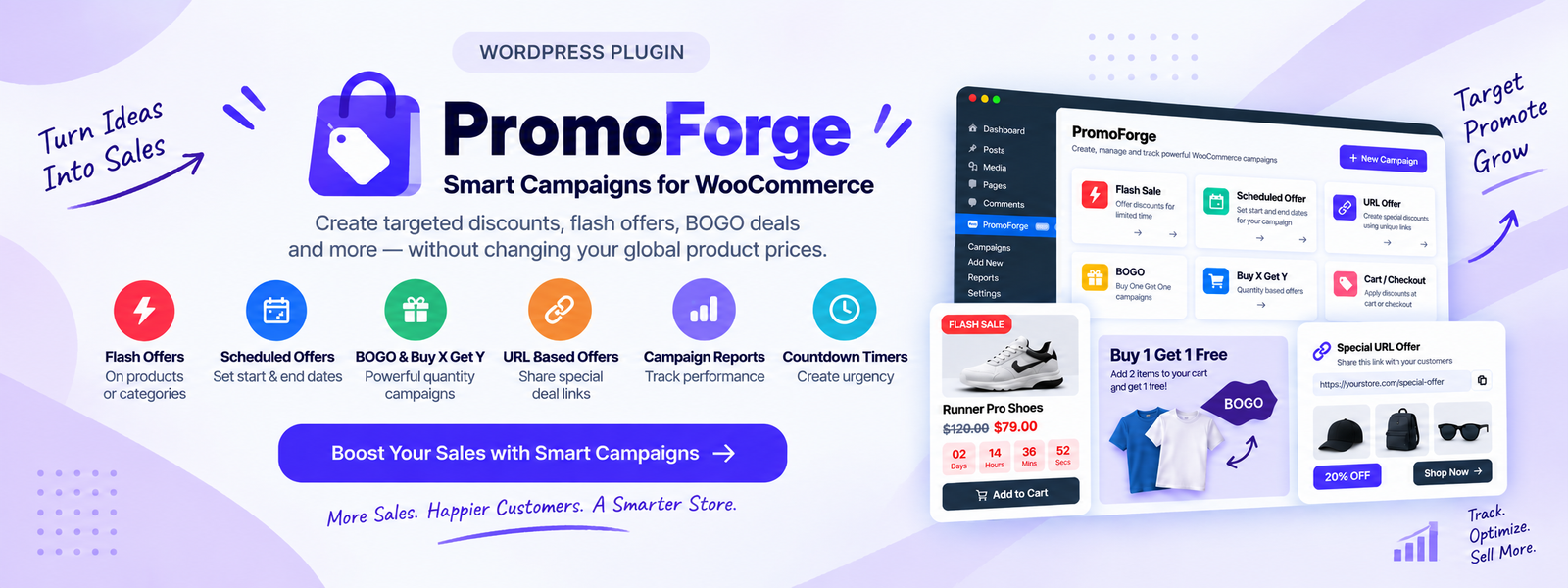
PromoForge Smart Campaigns for WooCommerce is designed for creating promotional campaigns such as Flash Sales, BOGO offers, Buy X Get Y campaigns and scheduled promotions.
With PromoForge Pro, you can create BOGO and Buy X Get Y campaigns based on your store’s promotional requirements.
Step 1: Open PromoForge
From your WordPress dashboard, open the PromoForge campaign section and create a new campaign.
Step 2: Select BOGO
Choose the BOGO Offer campaign type.
Step 3: Select Your Products
Choose the products that should participate in the promotion.
For example:
T-Shirts
Step 4: Set the Quantity
Define how many products the customer needs to purchase.
For example:
Buy 1
Step 5: Set the Reward
Define the promotional reward.
For example:
Get 1 Free
Step 6: Activate the Campaign
Save and activate the campaign.
Your WooCommerce store can then use the configured BOGO rules for the promotion.
Learn more about PromoForge Smart Campaigns for WooCommerce
Example: Buy 1 Get 1 Free
Let’s say you sell T-Shirts for $25.
You want to create this promotion:
Buy 1 T-Shirt → Get 1 T-Shirt Free
Your campaign could be configured around:
- Product: T-Shirt
- Buy quantity: 1
- Get quantity: 1
- Reward: Free
- Campaign type: BOGO
The customer can then participate in the promotion according to the campaign rules.
Example: Buy 2 Get 1 Free
You can also create:
Buy 2 T-Shirts → Get 1 T-Shirt Free
For example, the customer purchases two qualifying T-Shirts and receives the promotional third item.
This type of promotion can encourage customers to purchase more products in a single order.
BOGO vs Regular Discount
A regular discount and a BOGO promotion work differently.
Regular Discount
20% Off
The customer receives a price reduction on the selected product.
BOGO
Buy 1 Get 1 Free
The customer receives an additional product as part of the promotion.
Buy X Get Y
Buy 2 Get 1 Free
The customer must purchase a specific quantity before receiving the promotional reward.
The best option depends on your products, profit margins and marketing goals.
BOGO Promotion Ideas for WooCommerce
Here are some ideas you can use in your store.
Fashion Store
Buy 1 T-Shirt → Get 1 Free
Beauty Store
Buy 2 Skincare Products → Get 1 Free
Accessories Store
Buy 2 Accessories → Get 1 Free
Food Store
Buy 3 Snacks → Get 1 Free
Seasonal Store
Buy 2 Seasonal Products → Get 1 Free
You can adjust the promotion based on your products and customers.
Use BOGO Offers for Inventory Clearance
BOGO promotions can also be used to promote products that are not selling as quickly as expected.
For example:
Buy 1 Get 1 Free — Limited Stock
You could use this type of campaign for:
- Older products
- Seasonal products
- Slow-moving products
- Excess inventory
- Products being replaced by newer products
Before creating a free-product promotion, make sure the offer works with your product costs and profit margins.
Tips for Creating a Better BOGO Campaign
Keep the Offer Simple
Customers should immediately understand your promotion.
Instead of:
Special promotional discount available on selected products.
Use:
Buy 1 Get 1 Free
Choose the Right Products
Don’t automatically apply BOGO to every product.
Consider using the promotion for selected:
- Products
- Categories
- Collections
- Seasonal items
Set a Campaign Period
A limited-time promotion can make the offer more compelling.
For example:
BOGO Weekend Sale — Ends Sunday
Promote the Offer
Make sure customers can easily see the promotion on your store.
You can promote your offer through:
- Product pages
- Shop pages
- Category pages
- Cart
- Email marketing
- Social media
Common BOGO Mistakes
Making the Offer Too Complicated
If customers don’t understand the promotion, they may not use it.
Keep the main message simple.
Ignoring Profit Margins
A free product still has a cost.
Calculate your product costs, shipping, payment fees and other expenses before launching the promotion.
Applying the Offer to the Wrong Products
A BOGO campaign may work well for some products but not others.
Choose products that make sense for multiple-item purchases.
Running the Same Offer Forever
Consider using BOGO promotions for specific campaigns instead of keeping the same offer active permanently.
Conclusion
BOGO promotions are a simple way to create attractive offers for WooCommerce customers.
Whether you want to create:
Buy 1 Get 1 Free
Buy 2 Get 1 Free
Buy 1 Get 1 at 50% Off
or a more flexible Buy X Get Y campaign, choosing the right promotion can help you encourage customers to purchase more products.
For WooCommerce stores that need more advanced promotional campaign functionality, PromoForge Smart Campaigns for WooCommerce provides tools for creating BOGO, Buy X Get Y, Flash Sale and scheduled promotional campaigns.
Ready to create smarter WooCommerce promotions?
Explore PromoForge Smart Campaigns for WooCommerce
Frequently Asked Questions
Everything you need to know about our plugins, integrations, and licenses.
What does BOGO mean in WooCommerce?
BOGO means Buy One Get One. Customers purchase a qualifying product and receive another product or promotional reward according to the campaign rules.
Can I create BOGO offers in WooCommerce?
Yes. You can use WooCommerce discount functionality or a dedicated WooCommerce BOGO or promotional plugin for more advanced campaign rules.
What is a WooCommerce BOGO plugin?
A WooCommerce BOGO plugin adds functionality for creating Buy One Get One and other quantity-based promotional offers.
Can I create Buy 2 Get 1 Free in WooCommerce?
Yes. Buy 2 Get 1 Free is a type of Buy X Get Y promotion.
Can I create Buy X Get Y offers?
Yes. A Buy X Get Y campaign allows you to define the quantity a customer must purchase and the promotional reward they receive.
Can BOGO offers be used for specific products?
Yes. Product-specific BOGO campaigns allow you to limit the promotion to selected products.
Can I schedule WooCommerce promotions?
Yes. PromoForge Pro includes scheduled promotional campaigns, allowing store owners to prepare promotions for specific campaign periods.